OVVO Camping

Hardware integration

Accommodation Smart access control integrated with OVVO Camping

Coordinate guest and booking permissions, along with the available access methods, from the management system. QR codes, numeric codes and RFID/MIFARE credentials depend on the readers and devices actually installed at the property.

Access follows the stay
OVVO Camping

Permissions by guest, access point, area and time window

Permissions can be linked to a guest or booking and configured for specific gates, areas and periods. Staff can review and update permissions in the management system, coordinating devices instead of treating every entrance as a separate environment.

Entrances, gates and barriers
Rooms and accommodation
Parking areas

One control point. Clear rules.

Access follows the stay

Permissions can be linked to a guest or booking and configured for specific gates, areas and periods. Staff can review and update permissions in the management system, coordinating devices instead of treating every entrance as a separate environment.

Permissions by guest, access point, area and time window

Where access can be managed

  • Entrances, gates and barriers
  • Rooms and accommodation
  • Parking areas
  • Pools and wellness areas
  • Showers and shared facilities

Credentials depend on the installation

A straightforward guest experience, with permissions under control

QR code

Only at access points equipped with a compatible QR reader can a code identify the permission linked to a guest or booking. The reader installed for that access point checks the authorization before allowing passage.

  1. 1Link the QR code to the guest or booking.
  2. 2Choose the authorized gates, areas and time slots.
  3. 3The guest presents the code to the compatible QR reader installed at that access point.
  4. 4If the stay or permissions change, update or revoke the authorization.
Numeric code

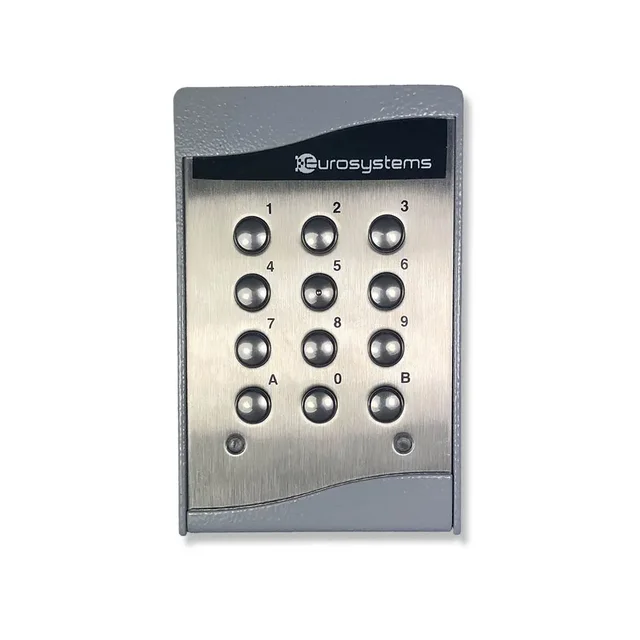
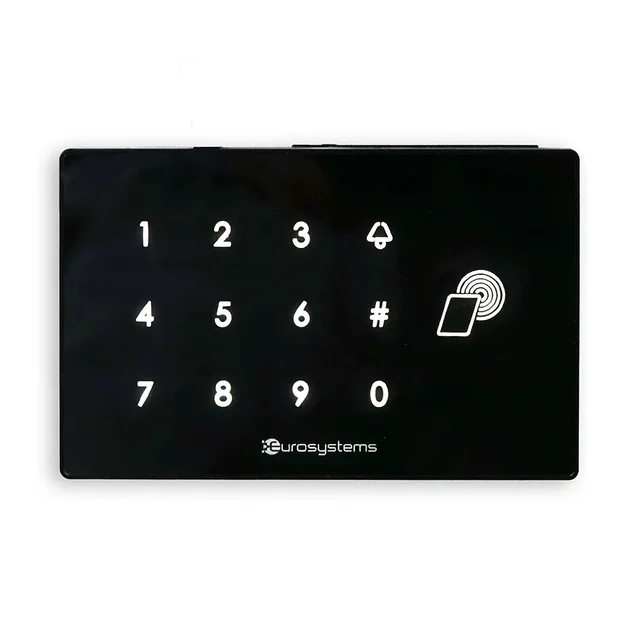
Where a compatible keypad is installed, a numeric code is an alternative to QR codes and physical credentials. Access remains governed by the permissions configured in the system.

  1. 1Link the code to a guest, booking or authorized profile.
  2. 2Set which access points it can use and at what times.
  3. 3The guest enters the code on the compatible keypad; the system checks that permission is valid.
  4. 4When permission expires or changes, the code can be updated or disabled.

Accommodation Smart ecosystem

Different components for different needs

The Accommodation Smart catalog includes product families for different configurations. Selection should be assessed against the installation, the access points to manage and the required functions.

Keypads and readers

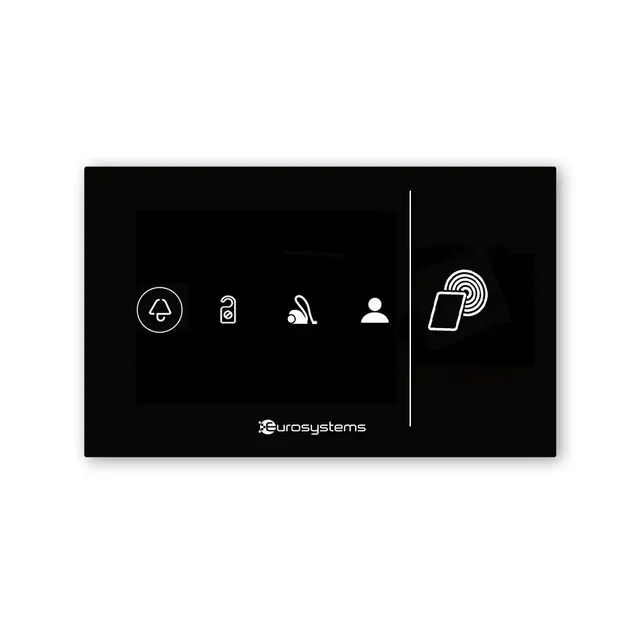
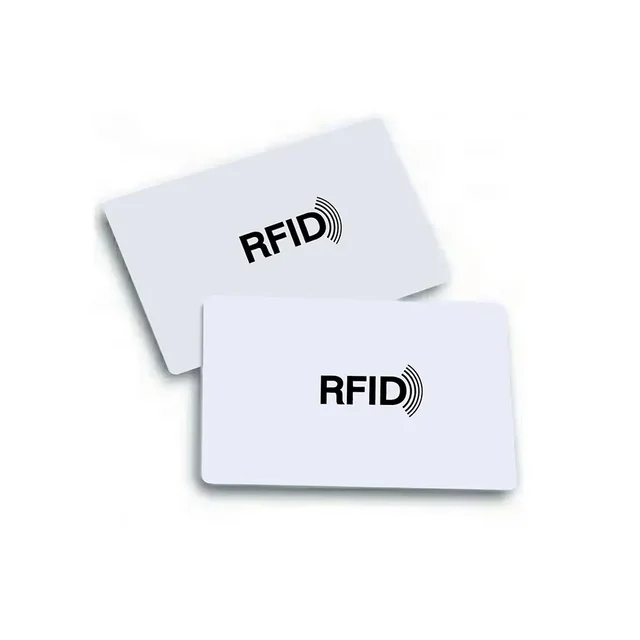
Numeric and RFID keypads, MIFARE readers, readers, tags and key boxes.

Gateways and system components

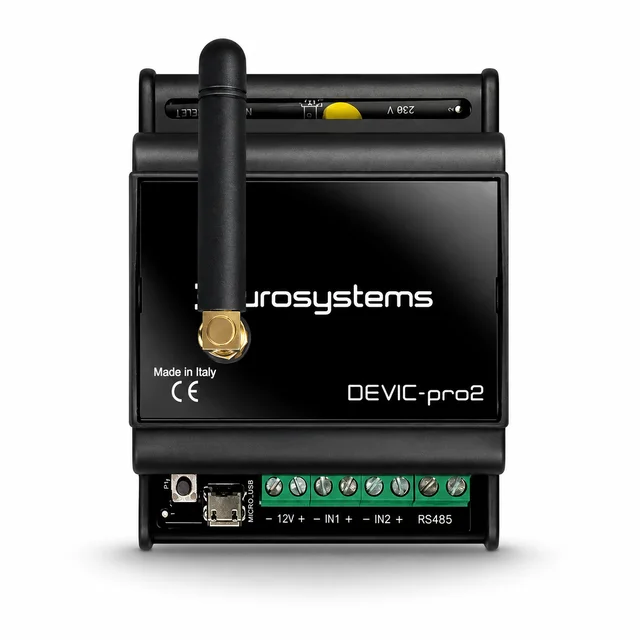
Gateways, expansion modules, IoT servers, kits, power supplies and accessories.

Automation and devices

Sensors, thermostats and AIR, ZETA and AIR Jolly wireless Modbus devices.

From the official catalog

A look at Accommodation Smart devices

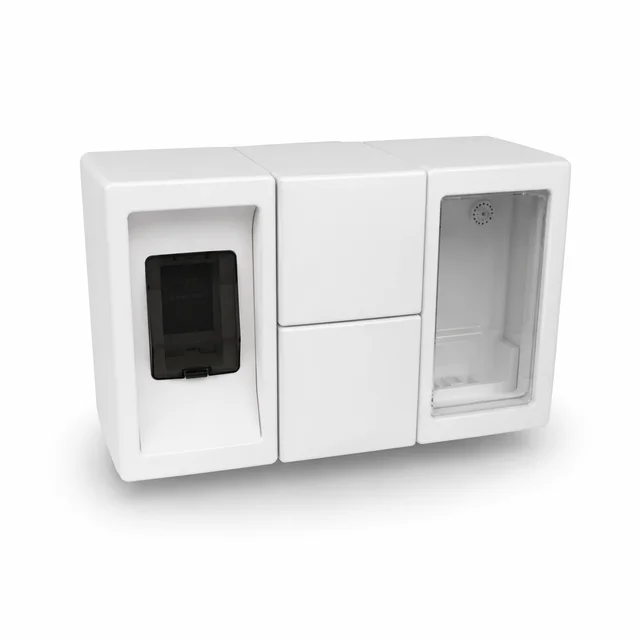
These images show examples from the available categories; product choice and compatibility must be checked against the installation.

Products have different functions: not every catalog item controls a gate or is an access-control component.

Explore the complete catalog

Before you proceed

Check compatibility and safety on site

The configuration depends on the readers, devices and command system already in place. Before installation, the access barrier and controller must be assessed to confirm compatibility and define the correct connection.

Read the practical guides or tell us about your property setup. We can review the requirements with you before planning the integration.

Official Accommodation Smart information

Find the right configuration for your campsite

Tell us how your entrances and areas are organized. The OVVO team can help you define the next steps.

Talk to OVVO
Chat with us